






A free learning management system (LMS) is an effective way to get training off the ground, especially if you’re launching your first employee, customer, or partner training program.
But not all free LMS platforms are created equal. Some are built for classrooms, others require technical setup. And some are designed to help you test the platform before moving to a paid plan. The best choice depends on your training goals, team size, and how quickly you expect your program to grow.
That’s becoming more important as organizations look for faster ways to build skills. According to TalentLMS’ Speed to Skill Report, 47% of employees say some of their job skills have become outdated in the past five years. Choosing an LMS that’s quick to set up and simple to manage can help you keep pace.
In this guide, we’ve compared seven of the best free LMS platforms for 2026, looking at features, ease of use, scalability, and what each free plan actually includes, so you can find the right fit for your training needs.
TL;DR
The best free LMS depends on your training goals, team size, and technical resources.
- TalentLMS is the best all-round choice for businesses looking for a hosted LMS that’s easy to set up, offers an ongoing free plan, and can scale seamlessly as training needs grow.
- ProProfs Training Maker is a good option for small teams that want a generous free plan with built-in course creation and learner engagement features.
- Alison is well-suited to pilot training programs and organizations getting started with online learning.
- Google Classroom is a strong fit for schools and educators already using Google Workspace.
- Moodle, Open edX, and Chamilo are powerful open-source LMSs for organizations with the technical expertise to manage self-hosted software.
How to choose the best free LMS for your training needs
No two free LMS platforms are exactly alike. Some are designed for employee training, while others are built for schools or universities. Some offer a hosted platform that’s ready to use straight away, while others provide open-source software that gives you greater flexibility but requires more technical expertise.
Choosing an LMS that fits your organization today—and can adapt as your needs change—can save time, effort, and unnecessary platform changes later on.
When comparing the free LMSs in this guide, we focused on four practical questions.
- Does it support your training goals? Start by identifying what you want your LMS to do. Some platforms are built for employee onboarding, compliance training, customer education, or partner training, while others are designed primarily for classroom learning. Choosing a platform that aligns with your main use case will make training easier to manage from day one.
- Does it fit your team’s technical capabilities? Some free LMSs are ready to use as soon as you sign up, while others require you to manage hosting, updates, and ongoing maintenance. Think about who will be responsible for administering the platform and whether your organization has the technical resources to support it.
- Will it help you launch training quickly? A free LMS should help remove barriers, not create them. Look for a platform that’s intuitive to use, easy to manage, and lets you build, assign, and track training without a lengthy implementation or specialist support.
- Can it grow with your organization? Training programs rarely stay the same. As your team expands or your learning needs change, you may need to support more learners, create additional courses, or train different audiences. Choosing a platform with a clear path to growth can help you avoid unnecessary disruption in the future.

The 7 best free LMS platforms
| Platform | Best for | G2 rating | Price |
|---|---|---|---|
| TalentLMS | SMBs, employee, customer and partner training, onboarding, compliance | 4.6/5 (805 reviews) | Free plan. Premium free trial. Paid plans start from $119/month for 40 users |
| ProProfs Training Maker | AI-powered employee training and small teams | 4.6/5 (38 reviews) |
Free plan for up to 10 learners |
| Alison | Small teams, pilots, employee training | N/A |
Free LMS plan for up to 10 users per organization |
| Google Classroom | Schools and educational organizations | 4.5/5 (1563 reviews) | Free with a Google account or Google Workspace for Education |
| Moodle | Schools and organizations with technical resources | 4.1 (448 reviews) | Free and open source. Costing/setup costs may apply |
| Open edX | Education, nonprofit, and training teams that can self-host | 4.5 (121 reviews) | Free and open source. Costing/setup costs may apply |
| Chamilo | Large-scale learning, MOOCs, technical teams | 4.9/5 (18 reviews) | Free and open source. Costing/setup costs may apply |
***Information last updated: June, 2026.
Best free LMS #1: TalentLMS
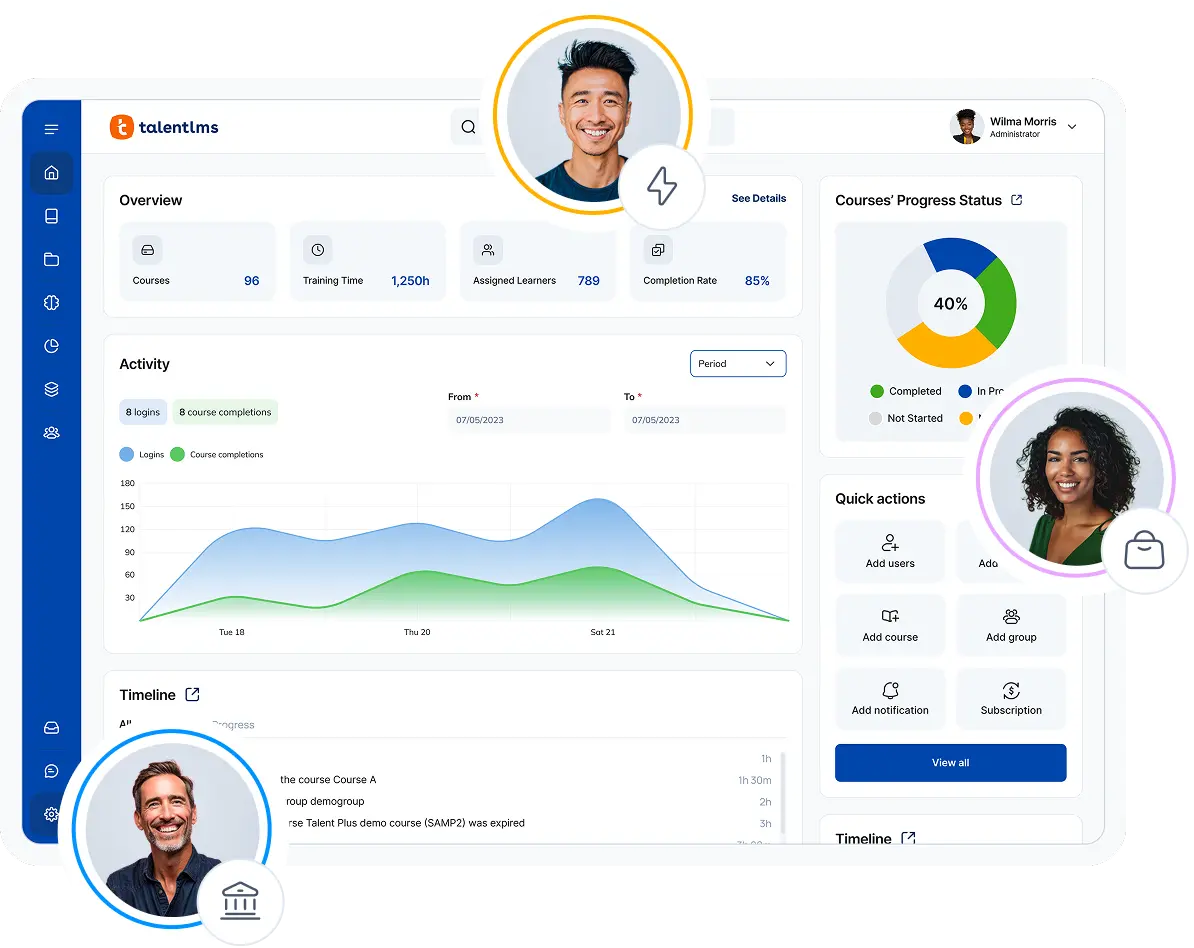
TalentLMS offers one of the most practical free LMS plans for businesses looking to launch training quickly. Instead of overwhelming you with technical setup or limiting you to a product demo, it gives you a hosted platform where you can build courses, enroll learners, and experience how the LMS works before deciding whether to upgrade.
Why we picked it:
TalentLMS’s free plan is easy to understand and easy to try. It stands out because it strikes a good balance between simplicity and functionality.
The free plan is ideal for testing workflows—from onboarding and compliance to customer or partner training—with a real learning management system rather than a stripped-back trial.
It also provides a clear and quick pathway to a rich toolkit of features that can be used to create courses, assess learners, track progress, and issue certificates.
For the first two weeks of the free plan, users also get access to a premium trial, where they can explore most of TalentLMS’s paid features too.
When training needs grow, upgrading is straightforward. Additional users, courses, and advanced features can be added without changing systems. Transparent pricing makes it easy to understand what’s included in each plan, so organizations can make informed decisions as they scale.
Pros
- Quick and easy to set up and manage with no technical expertise required
- Ongoing free plan with no time limit. No credit card needed
- Simple and seamless upgrading
- Includes a 2-week premium trial to explore advanced features
- Transparent pricing makes it easy to compare plans and plan for growth
Cons
- Not the best fit for academic institutions that need education-first workflows
- Free plan has user and course limits
- Free version is not meant to cover complex enterprise needs
Key features:
- Free hosted LMS plan
- Up to 5 active users and up to 10 active courses
- Course creation and management
- Training tracking, certification, and reporting
- Generative AI features
- Premium trial for 2 weeks to explore TalentLMS paid capabilities
- Unlimited email support
Best for: SMBs, employee, customer and partner training, onboarding, compliance, and product training.
Pricing: Free plan available. Premium trial. Paid plans start from $119 per month for 40 users.
What users are saying on G2
The Good
“The easy way [is] to start with a cheap, maybe free version of the LMS. Also, the support team is great! Never experienced such great and quick support. Whatever you ask, answers are usually there in less than an hour, latest it’s about two hours. And that was the same in the free version at the total beginning, 11 pm in the evening – or let’s call it night 🙂 We now have more than 2000 users in the system in over 100 branches, that are mainly partner companies who manage their own teams in the system.” — Andreas R., Training Center Manager, Mid-Market, 5/5
The Room for Improvement
“As an organization, we’ve subscribed to 1 year of TalentLibrary access. If it were available (some part of it, as in few courses every month) for free, it would have benefitted small (yet growing) companies like us in the Indian sub-continent.” — Betsy J., L&D Manager, Mid-Market, 5/5
Customer spotlight
Before committing to TalentLMS, ShopGoodwill.com started with a free account to answer one simple question: could the team set up and manage the platform without specialist support?
By exploring the platform hands-on, they found it intuitive to use, with helpful guides and resources that made it easy to build their first training portal.
That confidence gave them the foundation to scale. Today, ShopGoodwill.com uses TalentLMS to deliver consistent training across more than 130 partner organizations.
“We needed a solution to share training with our partners and empower them to manage their own training content…I went into it blind with no tools to see if I could figure it all out.”
— LaNina Stassinis, Business Development Specialist at ShopGoodwill.com
Best free LMS #2: ProProfs Training Maker
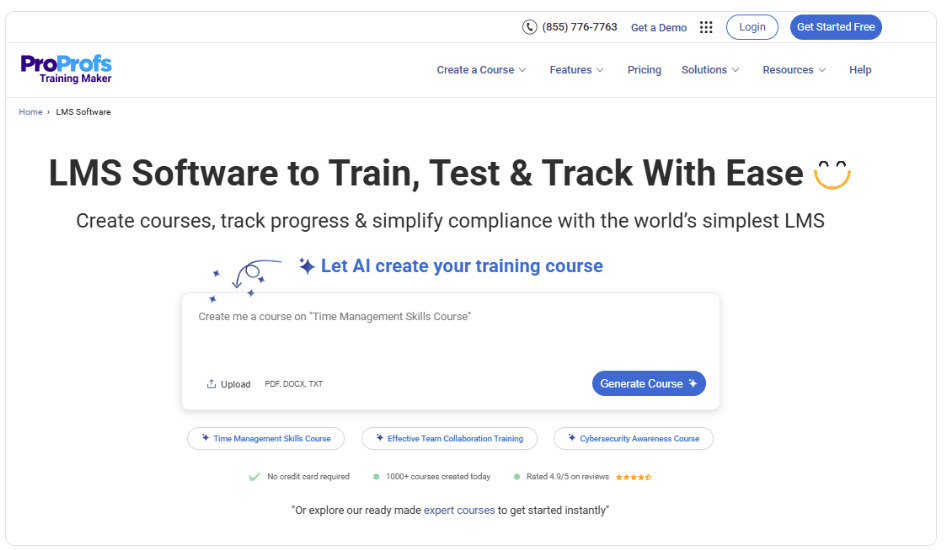
ProProfs Training Maker is a cloud-based LMS that offers enough functionality for small teams to create, deliver, and track online training without investing in a paid platform from day one.

Why we picked it:
ProProfs Training Maker’s free plan stands out for making course creation quick and accessible. The free plan also includes features like certificates, reporting, and gamification, making it a practical choice for organizations looking to launch training with a small group of learners.
Pros
- Free hosted LMS
- Transparent pricing
- No technical expertise is required for set-up
Cons
- Free plan is limited to 10 learners
- No on-premise deployment option
- Advanced features require a paid plan
Key features:
- Free hosted LMS for up to 10 learners
- AI-assisted course creation
- Import PPTs, PDFs, and videos
- Certificates and gamification
- Reporting and analytics
Best for: Small businesses and teams looking for an AI-assisted LMS to create and deliver employee training.
Pricing: Free plan available for up to 10 learners.
What users are saying on G2
The Good
“Training Maker helps us take a quantum leap forward in employee training & learning. It shows us the simpler, faster, and more efficient way to plan and execute L&D programs.” — Kshitij S., Designer, Small Business, 4.5/5
The Room for Improvement
“The user interface, while intuitive, can feel slightly dated in some places. A more modern visual refresh would elevate the user experience even further. Also, the help articles could go deeper into use cases for advanced features.” — Wayne G., HR, Mid-Market, 5/5
Best free LMS #3: Alison
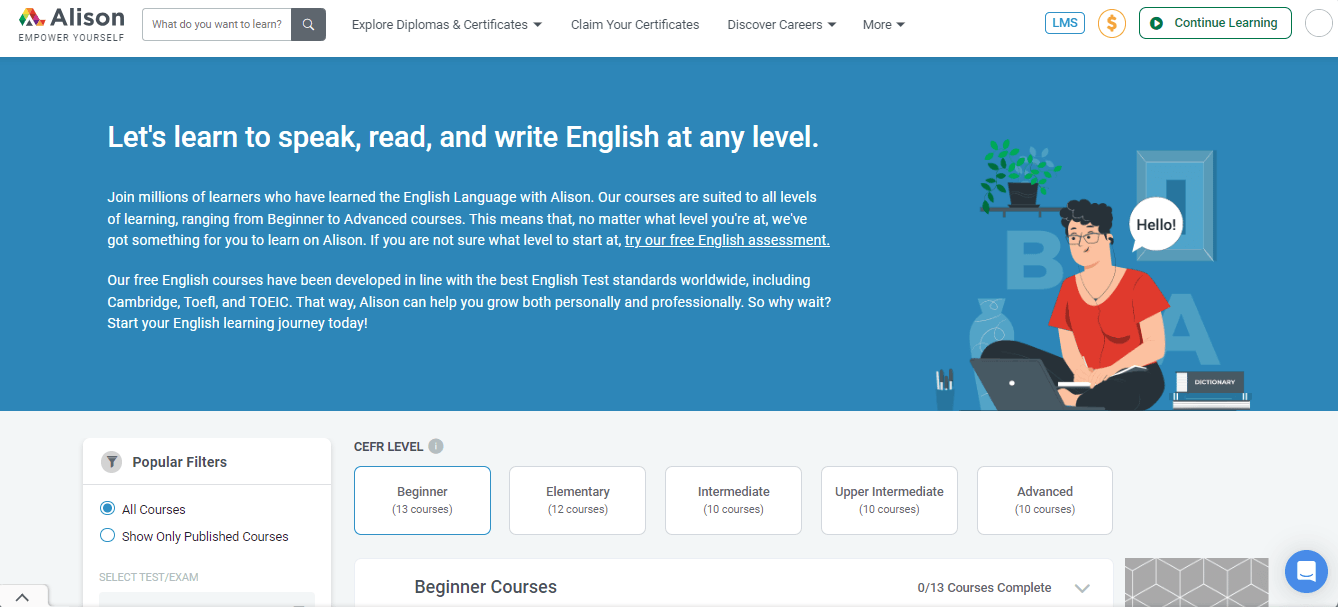
Alison offers a free LMS designed for organizations that want to create and manage workplace training for a small number of learners. It’s particularly well-suited to pilot programs or businesses exploring online learning for the first time.

Why we picked it:
Alison earns its place because it offers a genuinely free LMS plan rather than only a trial. The free version is simple to start and gives small teams a practical way to organize learning without a heavy implementation process. It’s a good fit for readers who want a basic but usable free option.
Pros
- Free for small teams (up to 10 users per organization)
- Easy to get started, hosted platform
- Simple learner tracking
- Includes access to a large course library
Cons
- User limit is low for growing groups
- Not ideal for complex or highly customized setups
- May be too lightweight for larger organizations
Key features:
- Free LMS plan
- Up to 10 users per organization
- Access to Alison’s course library
- Course and learning path assignment
- Progress tracking
- Quick setup
Best for: Scaling SaaS companies that want to manage customer education and internal onboarding in one LMS.
Pricing: Free LMS plan available for up to 10 users per organization. Paid plan starts at $79 per month billed annually.
What users are saying on G2
The Good
There is currently no entry for Alison on G2.
The Room for Improvement
There is currently no entry for Alison on G2.
Best free LMS #4: Google Classroom
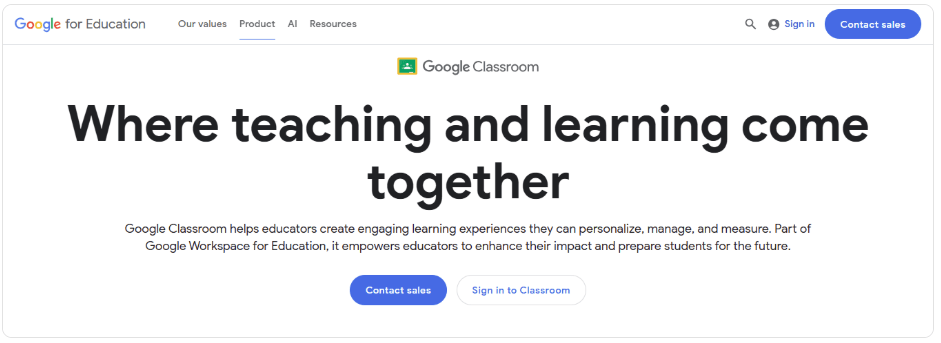
Google Classroom is a lightweight learning platform that helps teachers create, distribute, and manage assignments using familiar Google Workspace tools. While it’s designed primarily for education, it can also support simple internal training for organizations already using Google’s ecosystem.

Why we picked it:
Google Classroom is one of the easiest platforms to get started with if you’re already using Google Workspace. Its familiar interface, simple assignment management, and seamless integration with Docs, Drive, Meet, and Forms make it a natural fit for schools and educational organizations.
However, businesses looking for structured employee training or advanced reporting may eventually need a more feature-rich LMS. It works best when the goal is simple class management.
Pros
- Free and widely accessible
- Easy to use
- Good for classroom organization
- Integrates naturally with Google tools
Cons
- Not a full-featured LMS
- Limited advanced learning features
- Limited advanced learning features
- Not built for complex training programs
Key features:
- Class management
- Assignment sharing and collection
- Communication tools for teachers and students
- Integration with Google tools
- Simple education workflows
Best for: Teachers, schools, and classroom-based learning environments.
Pricing: Free with eligible Google accounts and education use cases.
What users are saying on G2
The Good
“As a Salesforce developer and trainer, I use Google Classroom to manage and deliver online Salesforce training sessions for my students. What I like most is how easy it is to share study material assignments, meeting links, and announcements in one place.” — Rehan A., AI Engineer, Small Business, 4.5/5
The Room for Improvement
“There are only a few options for organizing and customizing course arrangements. The analytics and reporting tools feel fairly basic compared with some learning management systems.” — VINISHA A., Assistant Lecturer, Small Business, 4/5
Best free LMS #5: Moodle
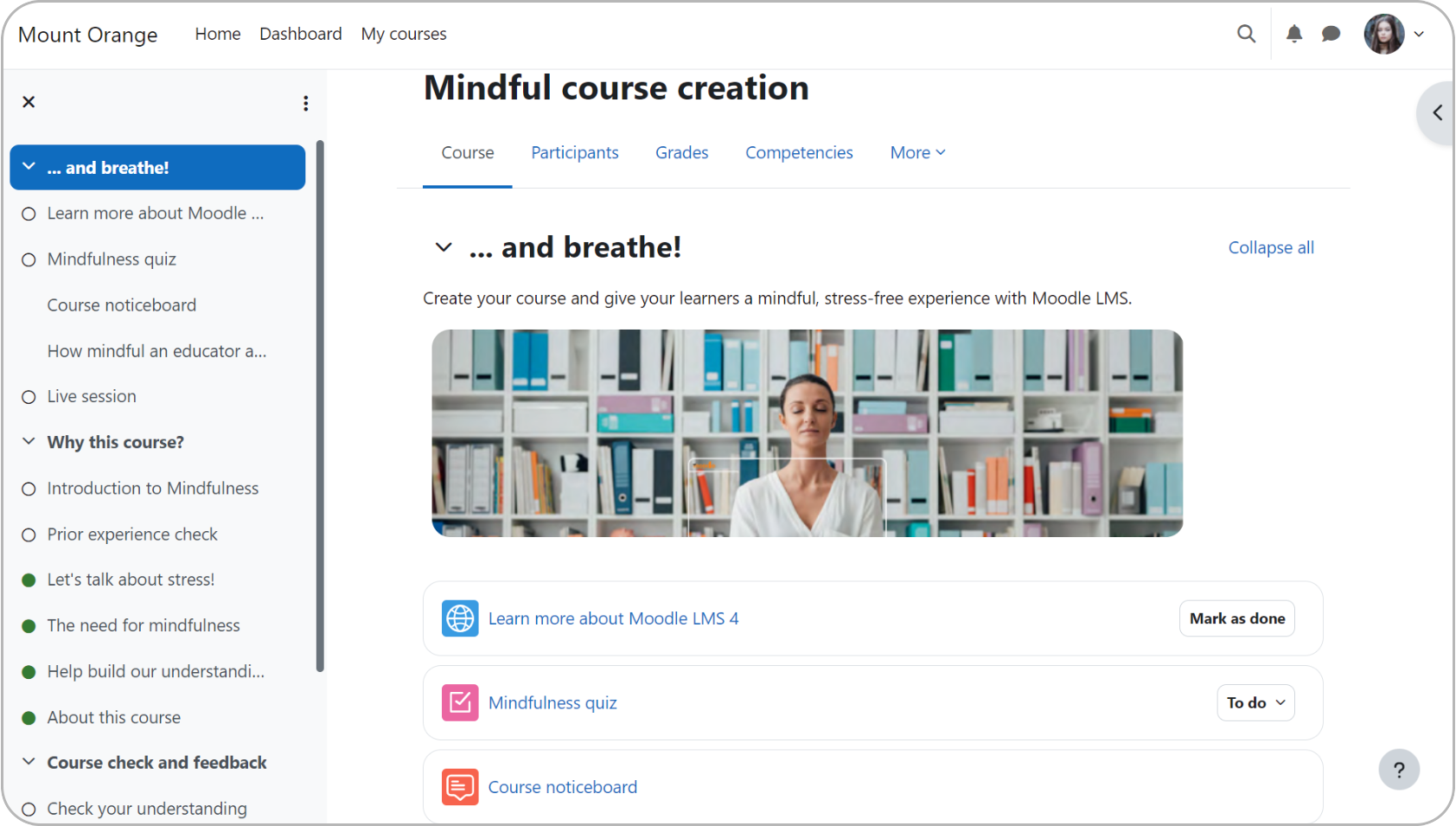
Moodle is one of the world’s most widely used open-source learning management systems. Because it’s self-hosted, it offers extensive flexibility and customization, making it a popular choice for schools, universities, and organizations with dedicated IT resources.

Why we picked it:
Moodle is a strong option if you want complete control over your learning environment. There’s no license fee (it’s free to download and use), and you can customize almost every aspect of the platform to suit your needs.
But self-hosting and setup are part of the equation. It’s an attractive proposition for organizations that want flexibility and control. The tradeoff is that users need to handle hosting and maintenance themselves.
Pros
- Free and open source
- Highly flexible
- Well-known and widely used
- Good for organizations that want control
Cons
- Can take more effort to update and maintain
- Requires hosting and technical setup
- Costs can increase significantly when it comes to picking plugins and support services
Key features:
- Open-source LMS
- Course management
- Flexible configuration
- Community support
- Self-hosting options
Best for: Schools, universities, and organizations with in-house technical expertise that want complete control over their LMS.
Pricing: Free and open source. Implementation, hosting, and support costs may apply.
What users are saying on G2
Best free LMS #6: Open edX
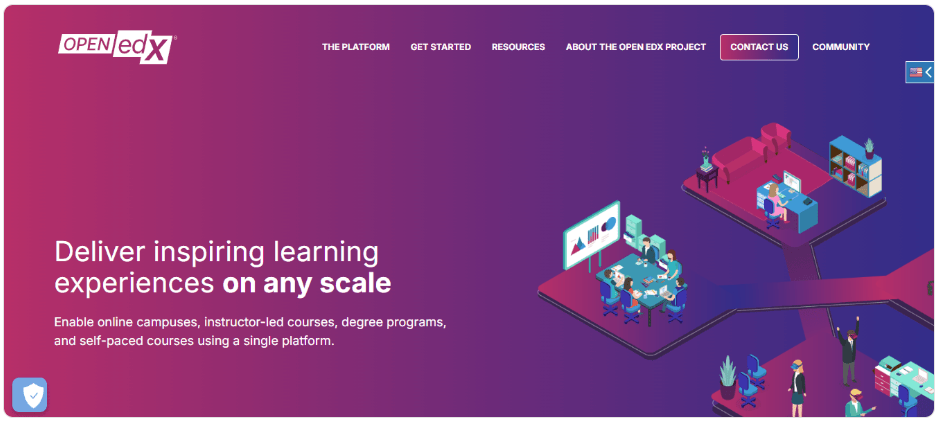
Open edX is an open-source LMS built for delivering learning at scale. Originally built for large online courses, it’s now used by universities, governments, and enterprises that need a highly customizable platform capable of supporting large learner populations.

Why we picked it:
Open edX stands out for its scalability and advanced learning capabilities. It offers detailed learner analytics, flexible course authoring, and a highly configurable learner experience.
Like other open-source platforms, though, it requires technical expertise to deploy, customize, and maintain. It’s a strong choice for organizations that want flexibility and can support self-hosting.
Pros
- Free and open source
- Built for large-scale learning
- Strong for structured online education
- Flexible platform architecture
Cons
- Requires hosting and technical resources
- Not the easiest option for small teams
- May be too complex for simple training use cases
Key features:
- Open-source learning platform
- Large-scale course delivery
- Advanced learning experience support
- Suitable for custom deployments
Best for: Large organizations, universities, and institutions. Massive Open Online Courses (MOOCs) and technical teams that want deep control.
Pricing: Free and open source; implementation, hosting, and support costs may apply.
What users are saying on G2
The Good
“I like that EdX offers free courses except when you require a certificate, and even when the course is not free, you can still audit the course material and access content.” — Mary N., Audit semi-senior, Mid-Market 4.5/5
Best free LMS #7: Chamilo
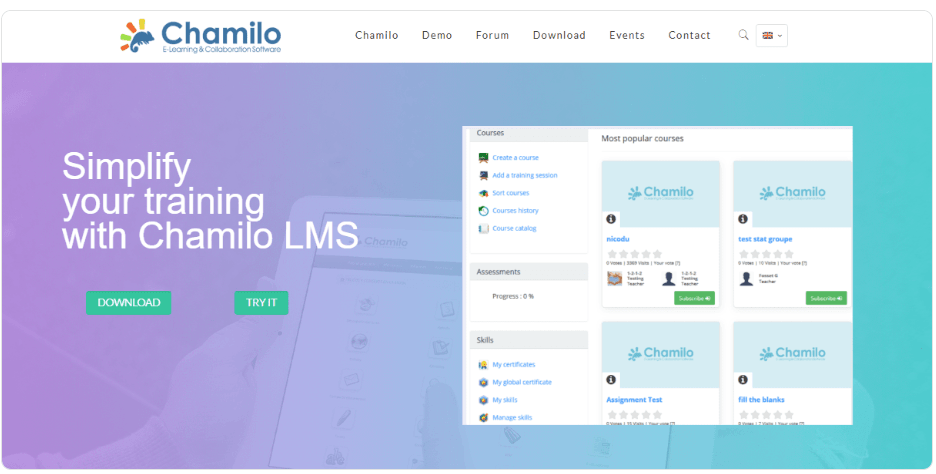
Chamilo is an open-source LMS that aims to balance flexibility with ease of use. Compared with some other open-source platforms, it offers a more straightforward interface while still providing the freedom to customize your learning environment.

Why we picked it:
Chamilo is a good choice for organizations that want the flexibility of open-source software without some of the complexity associated with larger platforms.
Features like session-based course management make it well-suited to organizations running recurring training programs, although you’ll still need to manage hosting and maintenance or work with a hosting provider.
Pros
- Free and open source
- Easier to approach than some heavier open-source LMSs
- Good fit for education and training
- Lightweight and accessible
Cons
- Requires hosting and technical setup
- Smaller ecosystem than major enterprise LMSs
- Less suited for highly complex corporate enablement programs
Key features:
- Open-source LMS
- Course management and delivery
- Lightweight admin and learner experience
- Suitable for educational and training use cases
Best for: Schools, associations, and teams looking for a lightweight open-source LMS.
Pricing: Free and open source. Hosting, support, and setup costs may apply.
What users are saying on G2
The Good
“Chamilo benefits from the contribution of a very large user community. This strong community involvement ensures that the platform continuously evolves and adapts to real-world use cases, making it a flexible and relevant LMS for a wide range of learning environments.” — Rudy W., Sales Manager, Small Business, 5/5
What’s the best free LMS?
Every free LMS comes with trade-offs. Hosted platforms typically help you launch training faster with less technical overhead, while open-source LMSs offer greater flexibility in exchange for more setup and maintenance. The right choice depends on your organization’s goals, technical capabilities, and how you expect your training program to evolve.
- TalentLMS offers one of the most balanced free plans if you’re looking for a hosted, easy-to-use platform for employee, customer, or partner training. It gives you the tools to launch real training quickly, test the platform with a small group of learners, and scale confidently as your needs grow.
- ProProfs Training Maker is another strong choice for small teams, thanks to its generous free plan, built-in course authoring tools, and learner engagement features like certificates and gamification.
- Alison works well for organizations running pilot programs or introducing online learning for the first time.
- Google Classroom is a good fit if you’re in education, particularly for schools already using Google Workspace, thanks to its familiar interface and seamless collaboration tools.
- Moodle, Open edX, and Chamilo are a good match for organizations with in-house technical expertise, providing flexible open-source alternatives with no license fees. While they offer greater control and customization, you’ll need to manage hosting, maintenance, and updates yourself.
Ultimately, the right choice isn’t simply the one with the longest feature list. It’s the one that helps you get training up and running quickly today while giving you room to grow tomorrow.


