






Scenario-based learning software puts learners in realistic situations where they need to make decisions and apply what they know. Imagine a new manager giving staff difficult feedback, a salesperson facing an objection they haven’t heard before, or an employee deciding what to do when a policy doesn’t cover what’s in front of them.
These are moments where knowing the right answer isn’t always enough. People need to make decisions, communicate clearly, weigh trade-offs, and see what happens next.
This is where scenario-based training makes all the difference. It gives learners a chance to practice real-life situations in a safe environment before they have to handle them on the job.
Scenario-based training turns traditional learning methods into a more active process. It can use branching scenarios, simulations, AI role-play, interactive assessments, and feedback to make that practice available without requiring an instructor to coach every employee one-on-one.
If you want to invest in scenario-based e-learning software for your team, here are 7 top platforms worth considering in 2026.
TL;DR
- Scenario-based learning helps employees practice decisions, conversations, critical thinking, and problem-solving before they face them on the job.
- The best software for scenario-based learning gives employees realistic situations to work through, with branching, simulations, role-play, feedback, and assessments.
- The right choice depends on your scenario needs, training goals, audience, and compliance requirements.
- This guide compares 7 scenario-based learning software options for 2026, including TalentLMS, Docebo, Absorb LMS, iSpring LMS, 360Learning, Cornerstone Learning, and Seismic Learning.
What are the top 7 scenario-based learning software options for 2026?
The top scenario-based learning software for 2026 are TalentLMS, Docebo, Absorb LMS, iSpring LMS, 360Learning, Cornerstone Learning, and Seismic Learning. The right option depends on your audience, scenario complexity, authoring needs, budget, and whether you need a broader LMS alongside scenario-based practice.
7 top scenario-based learning software
| Best for | G2 rating | Price | |
| TalentLMS | SMBs, employee, customer, partner training, onboarding, compliance. | 4.6/5 (809 reviews) | Free plan, premium free trial, Paid plans start from $119/month for 40 users. |
| Docebo | Large, global organizations with complex training needs. | 4.3/5 (750 reviews) | Custom pricing. Plans with different active-user pricing models. |
| Absorb LMS | Organizations wanting multi-audience training, course authoring, and automation for scenario-based training. | 4.6/5 (977 reviews) | No public pricing. Quote-based pricing that varies by users and features |
| iSpring LMS | SMBs and corporate trainers creating detailed branching scenarios and role-plays. | 4.6/5 (169 reviews) | No public pricing. Customers pay for active users. |
| 360Learning | Collaborative L&D teams that need real-world scenarios and practical assessments. | 4.6/5 (642 reviews) | Team plan: $8/user/month; enterprise pricing available. |
| Cornerstone Learning | Large enterprises with complex role-based, compliance, skills, and workforce-readiness requirements. | 4.1/5 (530 reviews) | No public pricing. Contact vendor. |
| Seismic Learning | Sales enablement and revenue teams that want scenario-based practice closely integrated with sales training, coaching, and performance management. | 4.6/5 (1,805 reviews) | No public pricing. Custom pricing based on user types and the functionality required. |
What is scenario-based learning?
Scenario-based learning puts learners in a realistic situation and asks them to decide what to do next.
Instead of asking employees to recall a complaints policy, put them in a scenario with a frustrated customer and ask how they would respond.
For managers, a scenario could involve a team member who has missed deadlines, and ask them to handle the conversation. These are just a few scenario examples that show how learners can practice applying knowledge in a safe environment, rather than simply recalling it.
This gives employees a chance to build critical thinking, confidence, and problem-solving skills in situations that resemble the workplace realities they face.
In an ATD study, 72% of organizations said better knowledge retention and application was their top driver for using simulations, followed by learner engagement (65%).
A good scenario-based e-learning experience usually includes:
- A realistic workplace context
- A decision, conversation, or a customer issue to resolve
- Multiple possible responses or actions
- Consequences based on the learner’s choices
- Feedback explaining what worked and what could be improved
This is particularly useful for communication, leadership, customer service, sales, compliance, safety, decision-making, and other areas where the right response depends on context.

What does scenario-based learning software do?
Scenario-based learning software helps L&D teams create, deliver, and measure these practice experiences.
Depending on the platform, features can include:
- Branching scenarios where learner choices change what happens next
- AI-powered role-play and coaching for practicing conversations
- Simulated scenarios where learners make decisions and see consequences
- Scenario-based questions that test how learners would respond to realistic situations
- Immediate feedback and scoring
- Video, audio, characters, and dialogue for more immersive experiences
- Learning paths that combine relevant scenarios with courses and assessments
- Analytics that show participation and performance
- Integrations with HR, CRM, and other workplace systems
How to choose the right scenario-based learning software for your needs
Scenario-based learning isn’t automatically better than a traditional course. If employees simply need to learn a new policy, a short course or knowledge check may be enough.
Use scenario-based training when people need to apply information, make decisions, communicate, or respond under realistic conditions.
Before choosing a platform, consider:
What are the situations your learners are going to meet in their day-to-day? Think about what real-world skills employees need to practice. Customer-facing staff need to handle difficult conversations, while managers have to rehearse feedback and conflict resolution. Salespeople need to practice handling objections and employees how to make judgment calls around compliance or safety.
Who is going to use the scenarios, and how will they access them?
A global sales team might need scenarios in several languages, with different versions for account executives, sales managers, and customer success teams. A smaller L&D team may care more about how quickly it can build and launch its first few scenarios.
Also consider whether you’re training employees only or have to support customers and partners outside your team.
Some scenarios are designed to build soft skills. Others support high-stakes decisions where consistency and documentation matter.
If training contributes to compliance, workplace safety, or certification requirements, check whether the platform can connect scenario practice with assessments, completion records, reporting, and other required training.
- Your content creation needs
Who is going to build and maintain the scenarios?
If instructional designers are going to create detailed branching conversations, authoring flexibility matters. If subject-matter experts need to contribute scenarios quickly, collaborative authoring can be more important.
However, if you don’t have a dedicated L&D team and can’t create courses yourself, you might want to consider AI authoring and content creation tools.
Pro tip: Test the platform from the learner’s perspective
Don’t evaluate scenario-based learning software only from your admin dashboard.
Try a scenario yourself. Is the situation believable? Are the choices meaningfully different? Does the feedback explain why a response worked? Can a learner retry without feeling like they’re being punished for making mistakes?
The best software for scenario-based learning makes it easier, not harder, to create realistic practice experiences and deliver them at scale. It also helps you understand whether learners are improving, all in one virtual environment. Some platforms also use reflection questions to encourage learners to think about why they made a particular decision.
Top scenario-based learning software #1: TalentLMS
Why we picked it:
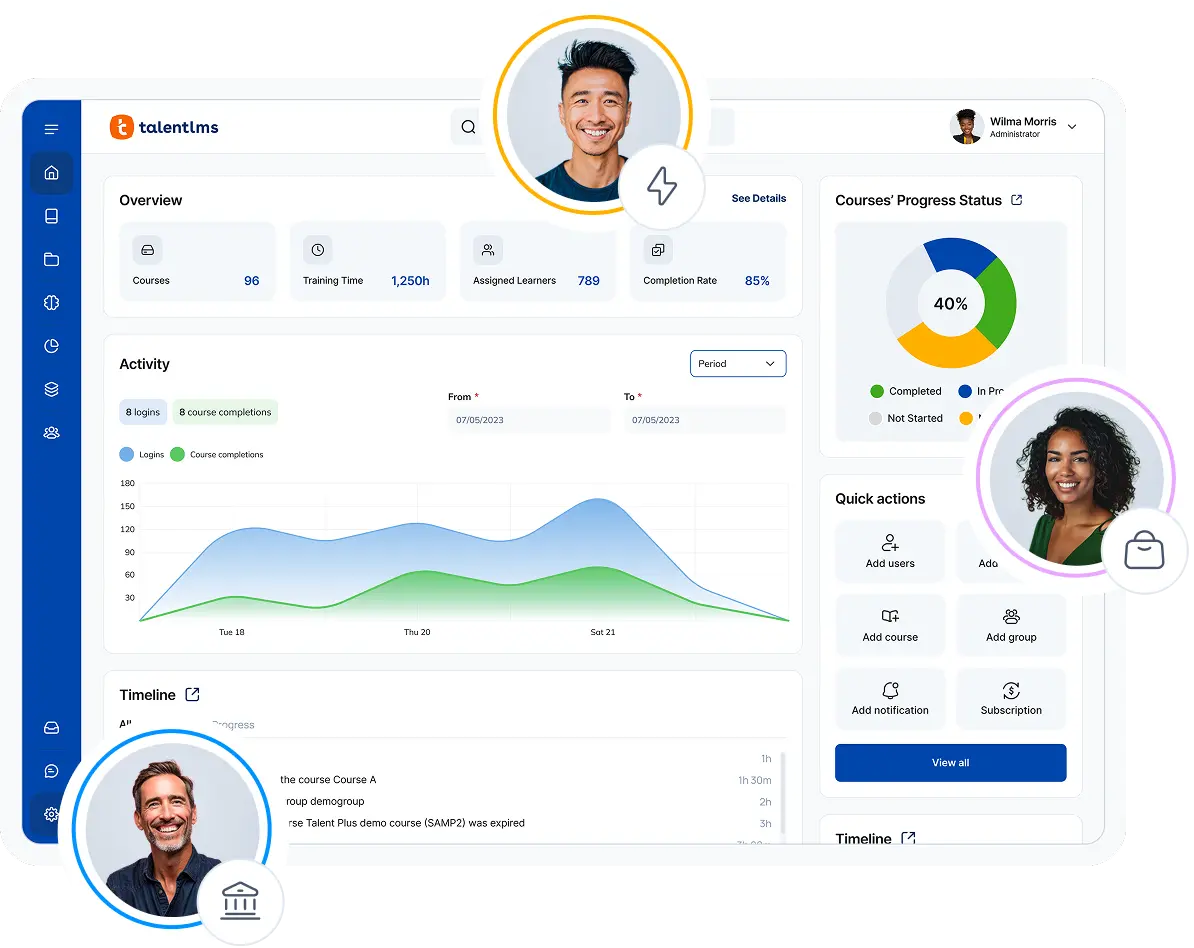
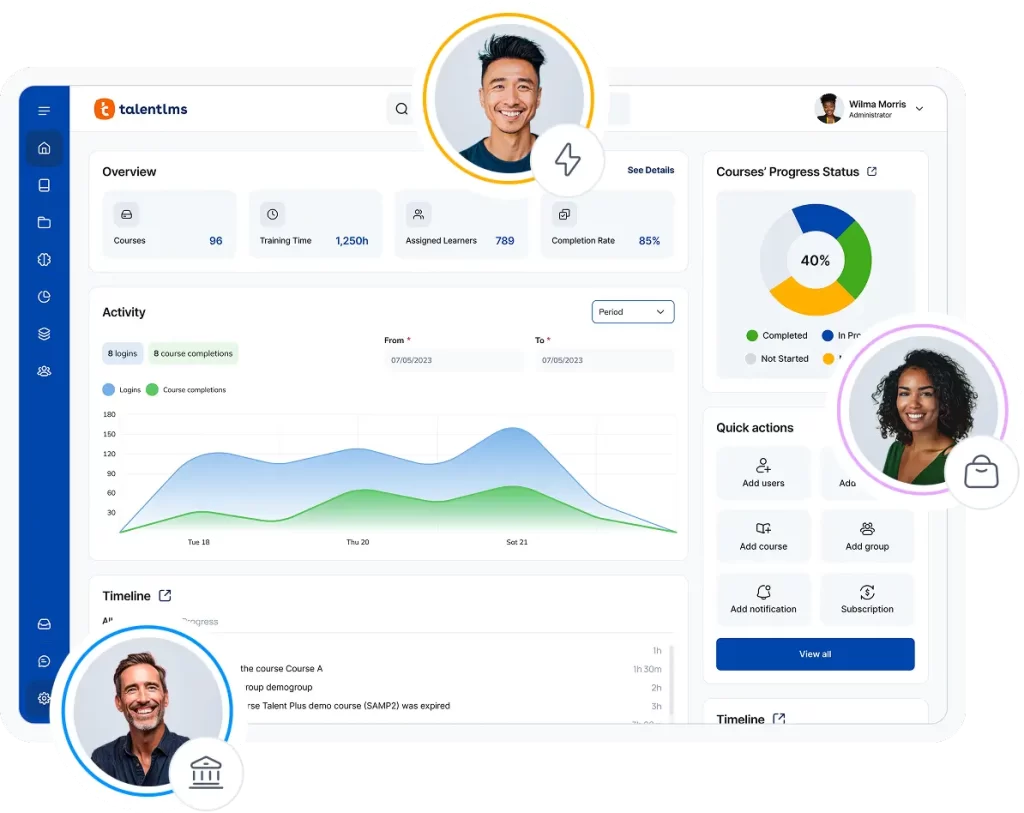
TalentLMS is a strong fit for organizations that want scenario-based training without adding a separate practice platform to their learning stack.
Learning Playground supports active learning by offering your learners a dedicated space to practice conversations, explore topics, test their knowledge, and work through realistic decision-making scenarios.
The Role Play feature lets you rehearse a difficult customer call, give feedback to an employee, or work through a conflict before having the real conversation. Simulation Mode takes a different approach: Learners make decisions in branching workplace situations, see how those choices play out, and can try again.
That makes scenario-based practice part of the same environment where L&D teams already manage courses, assessments, learning paths, reporting, onboarding, and compliance training.
Pros
- Quick to set up and easy to use as you scale
- Build real-world skills with AI role-play and simulations
- Add realistic practice without another platform
- Train employees, customers, and partners in one place
- Start easily with a free plan and transparent pricing
Cons
- May not meet the needs of institutions with complex academic requirements
- Bespoke simulations may require additional specialist tools
Key features:
- Learning Playground
- Supports multiple audiences
- AI-powered content creation
- Gamification
- Analytics
- SCORM/xAPI integrations
- Learning paths
- Automated enrollments
- Compliance training
- Certifications
Best for:
SMBs, employee, customer, partner training, onboarding, compliance
Pricing:
Free plan available; Premium trial; Paid plans start from $119/month for 40 users.
What users are saying on G2:
The Good
“I love the ability to use AI and also have free range for customization. There are so many areas that we can leverage to enhance the training we provide. The reporting has been extremely beneficial and provides helpful data. We were able to implement the content easily and quickly with an extremely high adoption rate. We had no issues transitioning from our prior platform to TalentLMS and it has already saved us hours of training time.” — Katrina L., Director of Training, Mid-Market, 5/5
The Room for Improvement
“One issue I’ve noticed is with images—when a course is duplicated multiple times, the image links sometimes break, especially when assigning tests. It’s not a huge blocker since we can fix it quickly by reuploading the images, but it does add a bit of extra work. Would be great if the image paths stayed intact during duplication.” — Anusha P., Travel Sales Consultant, Airlines/Aviation, Enterprise, 5/5
How Deliveroo cut restaurant sign-up time by 30% with better training
For Deliveroo’s global sales teams, training had to do more than explain products. Salespeople needed to feel confident pitching those products, answering customer questions, and handling real conversations. But the old approach—one-hour Google Meet sessions with hundreds of people—left little room for interaction, practice, or follow-up.
With teams across different markets also using different tools, Marcus Verri, Deliveroo’s Global Sales Training Manager, wanted one place where people could find practical training when they actually needed it.
So Deliveroo launched its Roo Commercial Academy with TalentLMS. Salespeople could prepare for customer calls by reviewing relevant product training, rather than trying to remember everything from a one-off session.
And the impact went beyond course completions: Deliveroo reported a 30% decrease in the time it took salespeople to sign up restaurants. For Marcus, that was the real test of training—whether it helped people do their jobs better, not simply whether they finished a course.

Top scenario-based learning software #2: Docebo
Why we picked it:
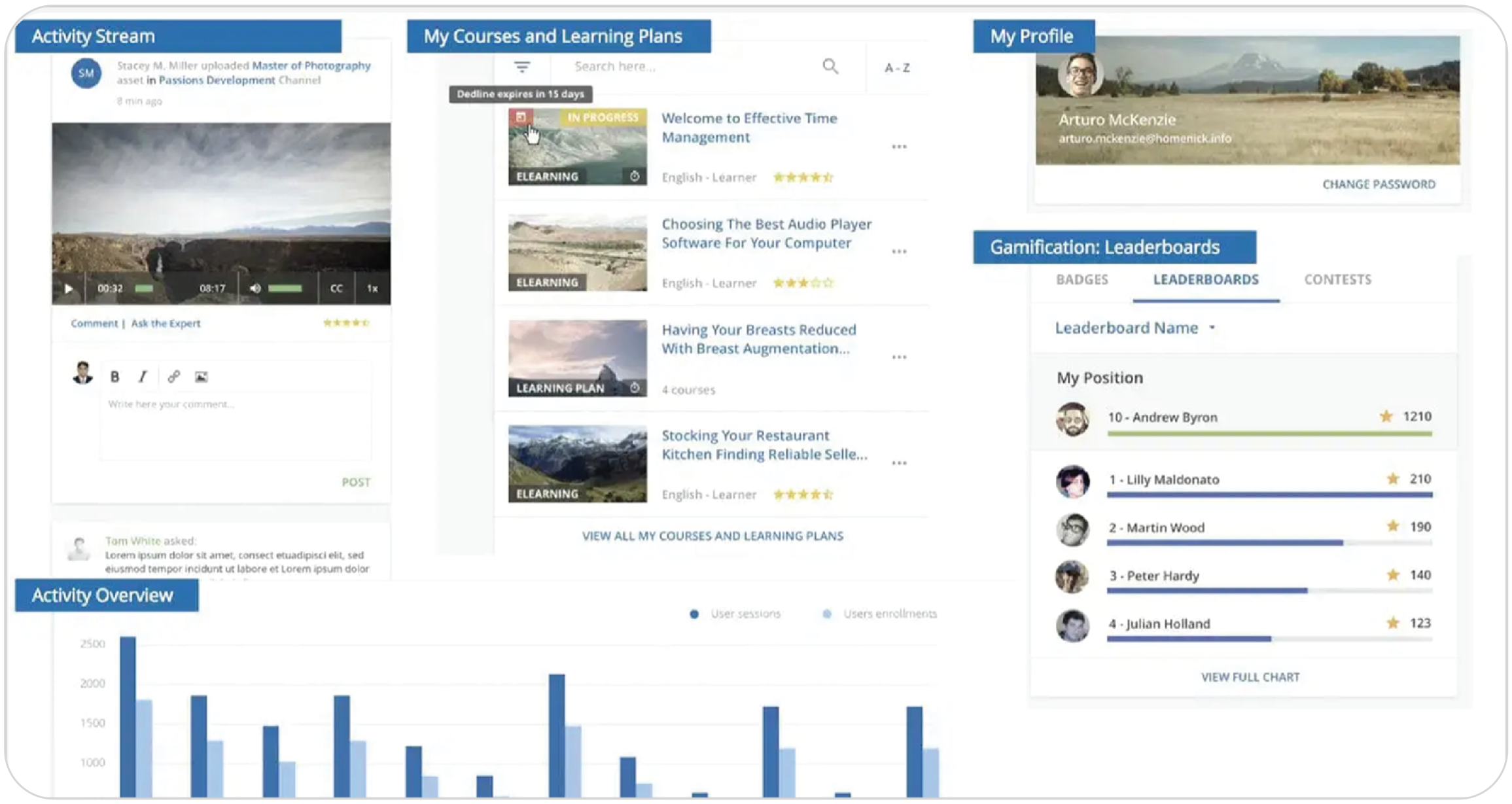
Docebo is a solid option for large organizations that want AI-powered role-play and scenario practice connected to an enterprise learning platform.
A sales manager can’t watch every rep rehearse a tough call. Docebo’s Roleplay does. Learners can practice by voice or chat and get AI feedback. This makes it useful for real-world situations where employees need to know what to do and how to communicate it. You can score practice against defined evaluation criteria, so scenarios test readiness and don’t just deliver training.
With Docebo, you can connect role-play with courses, assessments, and other learning activities in one place.
Pros
- Improve skills with realistic conversation practice and detailed AI feedback
- Tailor scenarios to your team’s real-world challenges and specific roles
- Manage training at an enterprise scale
- Train employees, partners, and customers on one platform
Cons
- Enterprise-oriented platform, which may be more complex for smaller teams
- Some advanced capabilities are paid add-ons
- No public pricing
- Complex deployments may require more implementation and configuration
Key features:
- Docebo Roleplay
- Simulations
- Branching scenarios
- Assessments
- Analytics
- Real-time scorecards
- Learning paths
- Voice and chat role-play
- Enterprise integrations
Best for: Large, global organizations with complex training needs.
Pricing: No public pricing. Custom pricing. Plans with different active-user pricing models.
What users are saying on G2:
The Good
“[…] The integration of artificial intelligence is a real plus that enhances the user experience, particularly thanks to the Harmony function which simplifies administration. This AI allows learners to get answers to their questions, find relevant content easily, and receive tailored suggestions. […] — Mariève D., 4/5
The Room for Improvement
“Docebo is a challenging system to implement with a small team. […] Getting everything off the ground at the beginning felt a bit overwhelming.” — Allana B., Training and Development Specialist, Mid-Market, 3.5/5
Top scenario-based learning software #3: Absorb LMS
Why we picked it:
Absorb LMS is a good fit for organizations that want to build branching scenarios inside a broader LMS environment.
Absorb Create includes a dedicated branching feature that lets course creators connect different paths based on learner choices. An employee might be asked how they’d respond to a customer complaint, a safety issue, or a policy question. Their decision then determines what happens next.
Absorb has also added AI-generated scenarios to Absorb Create. This allows creators to build content from a brief description, an existing document, or course material they already have.
Pros
- Build branching scenarios directly into your courses with Absorb Create
- Support compliance, customer education, and enterprise training at scale
- Create scenario content faster with AI assistance
- Automate training workflows and support compliance requirements
Cons
- Not publicly listed pricing
- Advanced scenario creation may require the appropriate Create licensing
- May feel more complex than necessary for smaller teams
Key features:
- Visual branching scenarios with Absorb Create
- Interactive course creation
- Multi-audience learning
- Integrations
- Automated enrollments
- Compliance training
- Certifications
- AI capabilities
- Reporting and analytics
Best for: Organizations in need of multi-audience training and automation
Pricing: No public pricing. Quote-based pricing that varies by users and features.
What users are saying on G2:
The Good
“[…] We can create learning paths for different roles, assign training to specific audiences, organize resources, track completions, and combine internally developed courses with videos, documents, assessments, and instructor-led training.” — Stephanie P., Senior HR Generalist, Mid-Market, 5/5
The Room for Improvement
“The set up and integrations with other systems can be complex and time consuming” — Joseph C., L&D and Talent Experience Consultant, Mid-Market, 4/5
Top scenario-based learning software #4: iSpring LMS
Why we picked it:
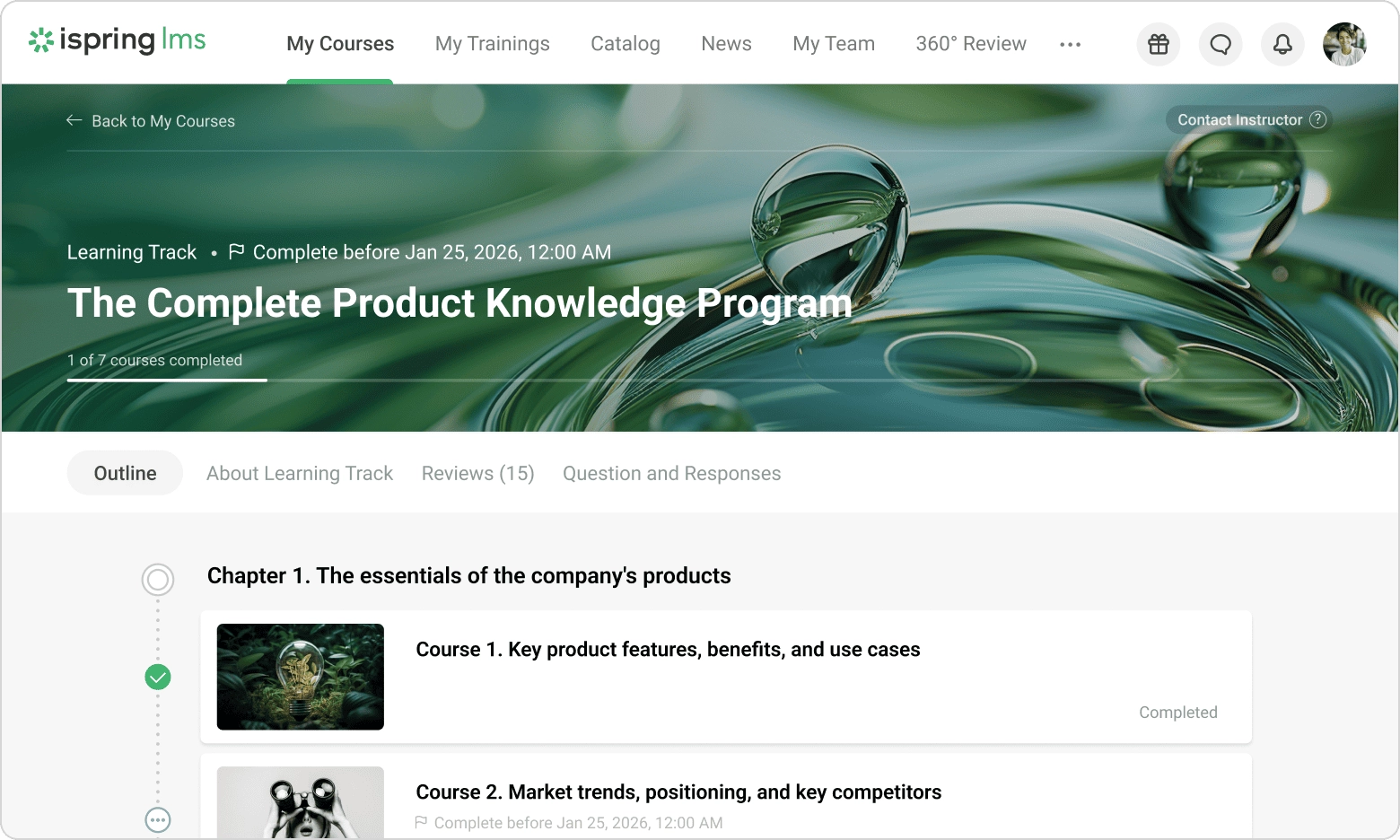
iSpring LMS is particularly useful for teams that want detailed dialogue simulations and hands-on control over how a scenario is built.
Its authoring tools support branching dialogue simulations with characters, locations, voiceovers, and multiple response paths. Its scenario builder is designed so instructional designers can map out conversations without coding.
That makes iSpring a good choice for practicing real-world conversations where each response can change what happens next.
Pros
- Build realistic conversations with branching dialogue and role-play
- Create and deliver training using familiar PowerPoint workflows
- Deliver and track interactive content with SCORM and xAPI
- Keep scenario development in-house without relying heavily on external providers
Cons
- Advanced scenario capabilities may require authoring products beyond the LMS
- Fewer native integrations than some enterprise platforms and relies more on third-party connectors
Key features:
- Drag-and-drop course builder
- SCORM/xAPI
- Reporting
- Certifications
- Knowledge base
- Learning tracks
- Course authoring
Best for: SMBs, instructional designers, and corporate trainers creating detailed branching scenarios and role-plays.
Pricing: No public pricing. Customers pay for active users. Third-party sources claim plans start at about $8K per year for 100 users.
What users are saying on G2:
The Good
“[…] I appreciate being able to add quizzes, activities, and create scenarios with a variety of characters without spending extra money on creating characters. The fun, interactive quizzes are great for tracking student knowledge. I enjoy the general activities that break up the monotony of traditional online classes and the ability to add different voices to ‘act’ in activities.” — Sonya S., Consultant, Small Business, 5/5
The Room for Improvement
“The admin navigation in iSpring LMS is a bit unintuitive. It takes a while to get used to where everything is and to know what buttons to click and when to click them. Also, the initial setup is labor-intensive, requiring a fair amount of effort and resources to build out all the courses. However, once it is set up, it becomes easier to maintain.” — Verified User, Mid-Market, 4/5
Top scenario-based learning software #5: 360Learning
Why we picked it:
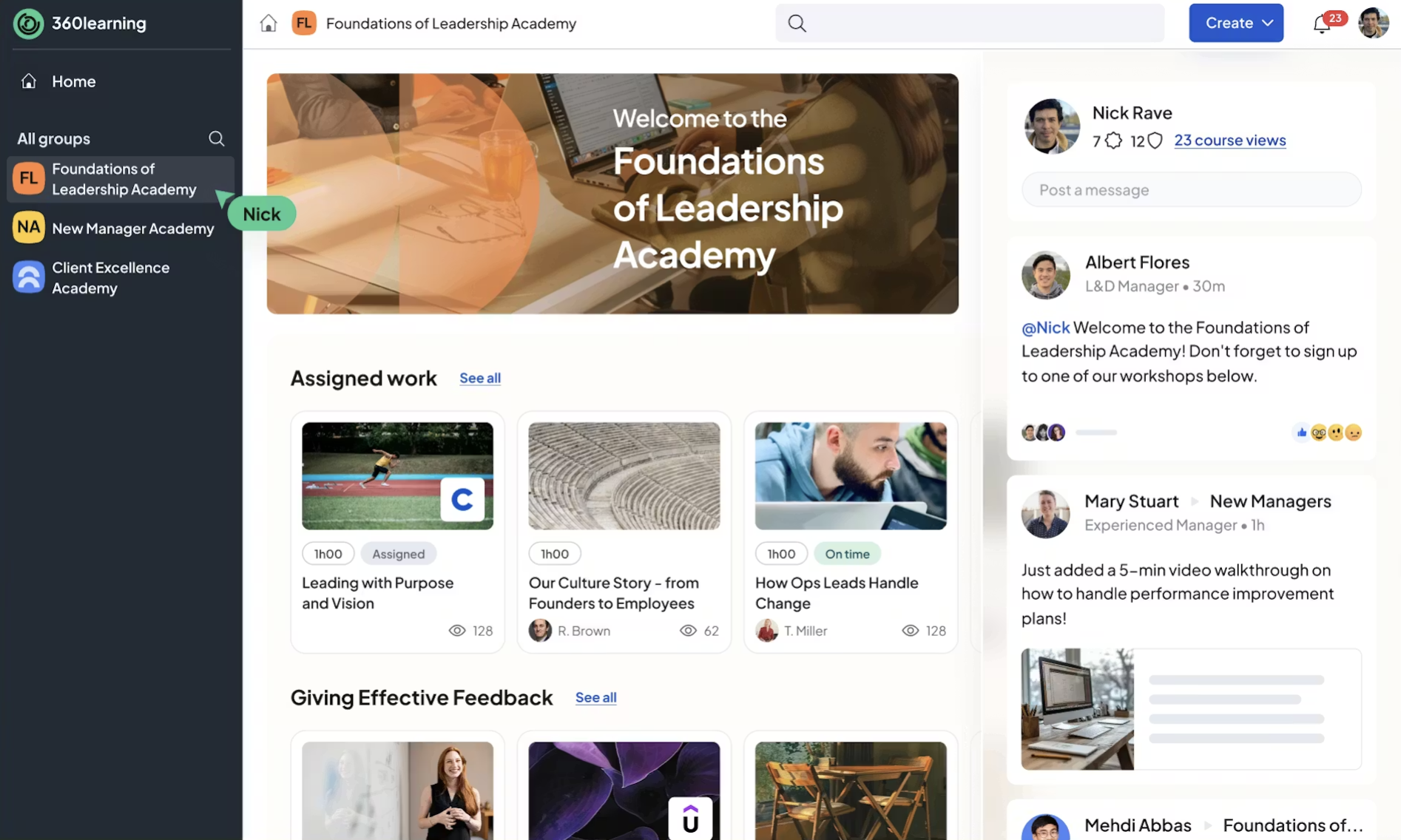
360Learning connects scenario-based learning with input from the people who know the work best.
A sales manager knows the objection their team keeps hearing. A customer support lead knows the complaint that keeps coming up. 360Learning gives those subject-matter experts a way to feed that knowledge into training.
Its AI content builder can generate scenario-based questions that mirror real-life challenges. Learners can also complete open-ended evaluations, video pitches, and screencast demonstrations. This offers L&D teams more ways to assess if people can apply knowledge rather than simply recall it.
Pros
- Capture what your in-house experts know and turn it into training
- Let subject-matter experts help build and update training collaboratively
- Support employee, customer, and partner learning from the same platform
- Keeps fast-changing internal knowledge current
Cons
- Its interface can take some time to learn
- More focused on collaborative scenarios and assessments than highly immersive simulations
- A steeper learning curve than lightweight LMS platforms
- Advanced customization may require developer or admin support
Key features:
- AI content builder
- Interactive assessments
- Scenario-based questions
- Collaborative course creation
- Subject-matter-expert workflows
- Learning academies
- Skills development
- Analytics
- Employee, partner, and customer training
Best for: Collaborative L&D teams where SMEs need to contribute real-world scenarios and practical assessments.
Pricing: Team plan: $8/user/month; enterprise pricing available.
What users are saying on G2:
The Good
“360Learning allows us to provide our employees with numerous training courses on various and diverse topics, accessible whenever they wish, so they can train in their free time and progress on subjects related to their positions or even on more personal topics (emotion management, etc). […] — Mathilde C., Digital Communication & Training Manager, Small-Business, 4.5/5
The Room for Improvement
“The way to retrieve the results is not practical. I have set up modules that serve as aptitude quizzes, but it is really tedious to go check each person’s results one by one. Otherwise, we only see the average score, without the details question by question. What would be good is that when we export the data, we get all the details of each question for each person who participated.” — Axel S., Enterprise, 4/5
Top scenario-based learning software #6: Cornerstone Learning
Why we picked it:
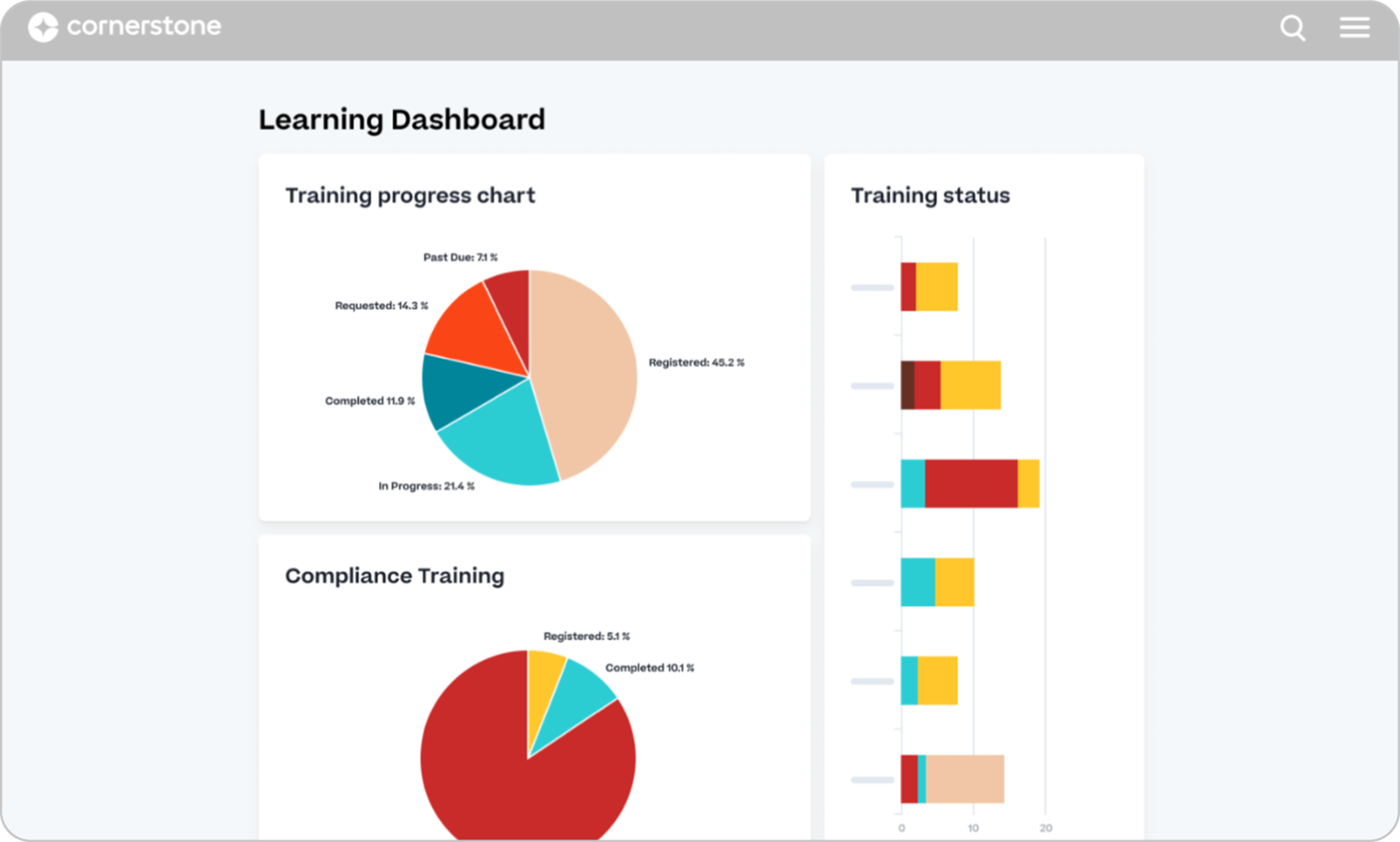
Cornerstone Learning makes sense for large organizations that want scenario-based practice to sit inside a broader learning, skills, and workforce development ecosystem.
Imagine a manager practicing a difficult conversation with a virtual employee who doesn’t simply give the expected answer. Cornerstone’s immersive tools use AI-powered role-play with virtual humans to create that kind of practice for communication, conflict resolution, and leadership.
Pros
- Tailor learning to employees’ roles, skills, and development needs
- Connect scenario-based training with wider learning programs
- Give employees realistic practice through AI-powered role-play and simulations
- Deliver consistent learning across large, distributed workforces
Cons
- Its enterprise-oriented capabilities might not fit smaller teams
- Complex implementation and a steep admin learning curve
- Custom pricing, so customers have to go through lengthy sales quotes
Key features:
- Learning paths
- Role-based learning
- Immersive simulations
- AI capabilities
- Scenario-based simulations
- Skills assessments
- Content ecosystem
- Enterprise analytics
Best for: Large/global enterprises with complex role-based, compliance, skills, and workforce-readiness requirements.
Pricing: No public pricing. Contact vendor for a custom quote.
What users are saying on G2:
The Good
“I like that you can customize it to fit how you want to help employees learn and improve their skills, especially when you want to focus on a very technical skill and scale that training across the team.” — Ark M., HR Lead, Mid-Market, 4/5
The Room for Improvement
“The cost was a bit high and sometimes we had trouble getting support on problems from the Cornerstone team. Just slow reply or incomplete answers.” — Tim C., Sr. HRIS Analyst, Enterprise, 3.5/5
Top scenario-based learning software #7: Seismic Learning
Why we picked it:
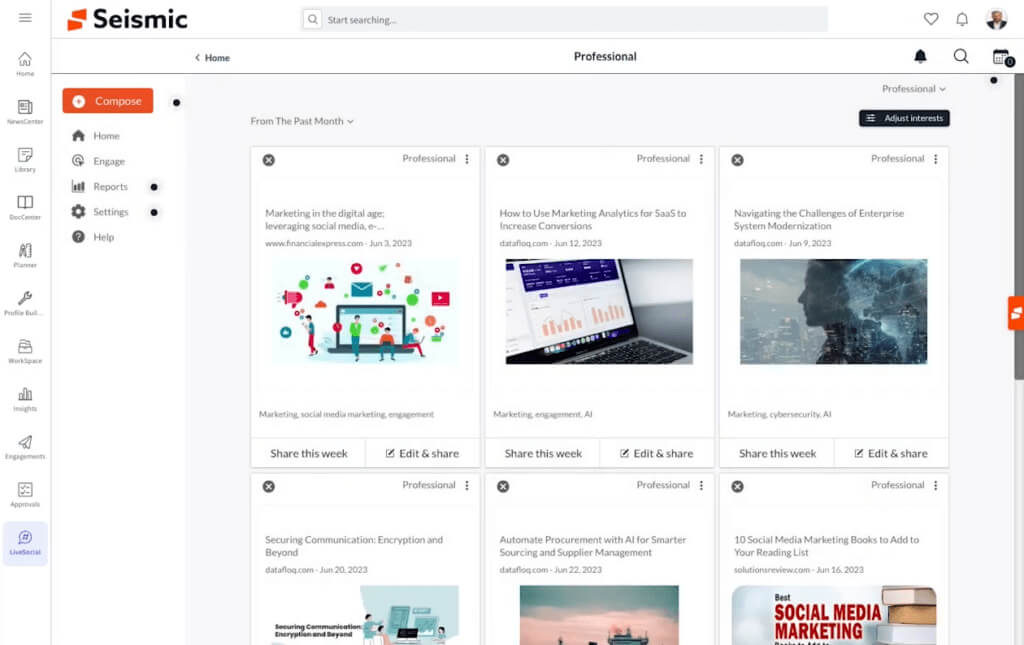
Seismic Learning is a more specialized scenario-based learning option with a focus on sales enablement and customer-facing teams.
Instead of asking a sales rep to simply complete a product course, Seismic can put them into realistic sales situations where they practice conversations, objections, and customer interactions. Its learning and coaching tools support AI-powered role-play, video practice, feedback, and skills reinforcement.
That makes it particularly relevant when the goal is to see whether a rep can use the training when a real customer pushes back and not just whether they completed the course.
Pros
- Build confidence before high-stakes customer conversations with role-play
- Turn practice into targeted coaching and skill development
- Increase learner engagement with video practice
- Connect training to sales plays and real customer interactions
Cons
- More specialized toward customer-facing and revenue teams
- Broader training needs may call for a more general-purpose LMS
- Some tools are sold as add-ons
Key features:
- Practice scenarios through role-play
- Mock exercises
- AI-driven simulations
- Coaching
- Rubrics
- Automated & peer feedback
- Readiness analytics
Best for: Sales enablement and revenue teams that want scenario-based practice closely integrated with sales training, coaching, and performance management.
Pricing: Custom pricing. Seismic does not publish standard Seismic Learning pricing; licensing is based on user types and the functionality required.
What users are saying on G2:
The Good
“Seismic is super helpful not only for clients but to educate ourselves on tests that we may not be super confident about. It gives great talking points and features that are helpful with selling.” — Rachel C., Internal Account Manager, Small Business, 5/5
The Room for Improvement
“The lesson builder and LMS functionality also feel fairly limiting, and analytics/reporting are underwhelming; we’ve struggled to get the depth of insight needed to track learner progress and measure training effectiveness.” — Verified User in Computer Software, Mid-Market, 2/5
Which scenario-based learning software to choose
The right choice will depend on what your employees need to practice, who needs to create the scenarios, how many people you need to train, and whether scenario-based learning has to sit inside a broader LMS.
- TalentLMS stands out as the strongest overall option for organizations that want user-friendly scenario-based learning, AI capabilities, transparent pricing, and a broader LMS in one platform. Its Learning Playground provides a low-risk environment for employees to practice through realistic simulations, all inside the LMS. It is particularly well suited to employee, customer, and partner training, plus onboarding and compliance.
- Docebo is a strong choice for large organizations looking for AI-powered role-play, enterprise learning management, and advanced analytics.
- Absorb LMS is suited to organizations that want branching scenario authoring alongside a broader enterprise LMS and multi-audience training capabilities.
- iSpring LMS is a good fit for instructional designers and corporate trainers who prioritize detailed branching scenarios and role-play authoring, particularly alongside iSpring’s authoring tools.
- 360Learning is well suited to collaborative L&D teams that want SMEs to contribute knowledge and scenario-based assessments.
- Cornerstone Learning caters to large enterprises that need scenario-based learning within a broader learning, skills, compliance, and workforce management ecosystem.
- Seismic Learning caters particularly to sales enablement and revenue teams that want AI-powered role-play, sales training, coaching, and skills reinforcement in one virtual environment.
FAQs
What is scenario-based learning software?
Scenario-based learning software is a tool that lets learners practice making decisions in realistic workplace situations. Depending on the platform, scenarios can use branching decisions, role-play, simulations, feedback, and assessments to help learners apply what they know.
What are the best features to look for in scenario-based learning software?
The best features to look for in scenario-based learning software are realistic branching simulations, role-play, and feedback based on learner choices. The right fit depends on your goal. For compliance or skills-based training, it’s also important to track completions, assessment results, and learner performance.
What is the difference between scenario-based learning software and a standard LMS?
Scenario-based learning software focuses on interactive practice, while a standard LMS typically focuses on delivering, managing, and tracking content. Some modern LMSs now include scenario-based features, so you often don’t need a separate tool.
Which scenario-based learning software works best for compliance training?
The scenario-based learning software that works best for compliance training will depend on your specific needs. TalentLMS stands out, as it pairs scenario practice with the onboarding, certification, and compliance tools L&D teams already run, all in one platform. Learners can work through realistic simulations around safety, data privacy, or workplace conduct.


